Free forever · No account · Nothing uploaded
Twenty-two professional tools for images and PDFs. Convert, compress, resize, retouch, remove backgrounds, edit and sign documents — all running privately on your own device.
Trusted by designYour files never leave your device

Works with every format you use
Everything you need
The most used ones below. Every tool runs in your browser and never uploads your files.
Image tools
 PNG · transparent
PDF & documents
Create & extract
How it works
Drag it in or browse. It loads straight into your browser's memory — never to a server.
Pick a format, a quality level, an exact size in kilobytes, or precise dimensions.
The result is built on your device and saved straight to your downloads folder.
Guides
Practical answers to the questions behind the tools.
FAQ
No. Every tool runs inside your browser using your own device's processing power. Your images and documents never leave your computer or phone. You can test it: load a tool, disconnect your internet, and it still works.
Yes. Enter a target in kilobytes and the tool adjusts quality automatically until the file fits under that limit. It works on single files or a whole batch.
You can type on the page, cover existing text and rewrite it, fill in forms, add images and sign. For rewriting a whole document, convert it to Word first with the PDF to Word tool.
Yes — including Arabic and other right-to-left scripts, as well as Chinese and Japanese. The OCR tool also reads Arabic printed text.
It removes the password from a PDF you already know the password for, so you don't need to type it each time. It cannot open a document you don't have the password to.
Instagram, Facebook, X, LinkedIn, YouTube, TikTok, Pinterest and WhatsApp presets, plus passport and ID sizes for several countries and a fully custom option.
Yes. No account, no trial, no watermark, and no daily limit on any tool. The site is supported by unobtrusive advertising, and because your files stay on your device, advertisers never see anything you work on.
Convert between PNG, JPG and WEBP, turn an iPhone photo from HEIC to JPG, or compress an image to an exact size like 100 KB for an online form. You can also resize a photo for Instagram, a passport application or a YouTube thumbnail.
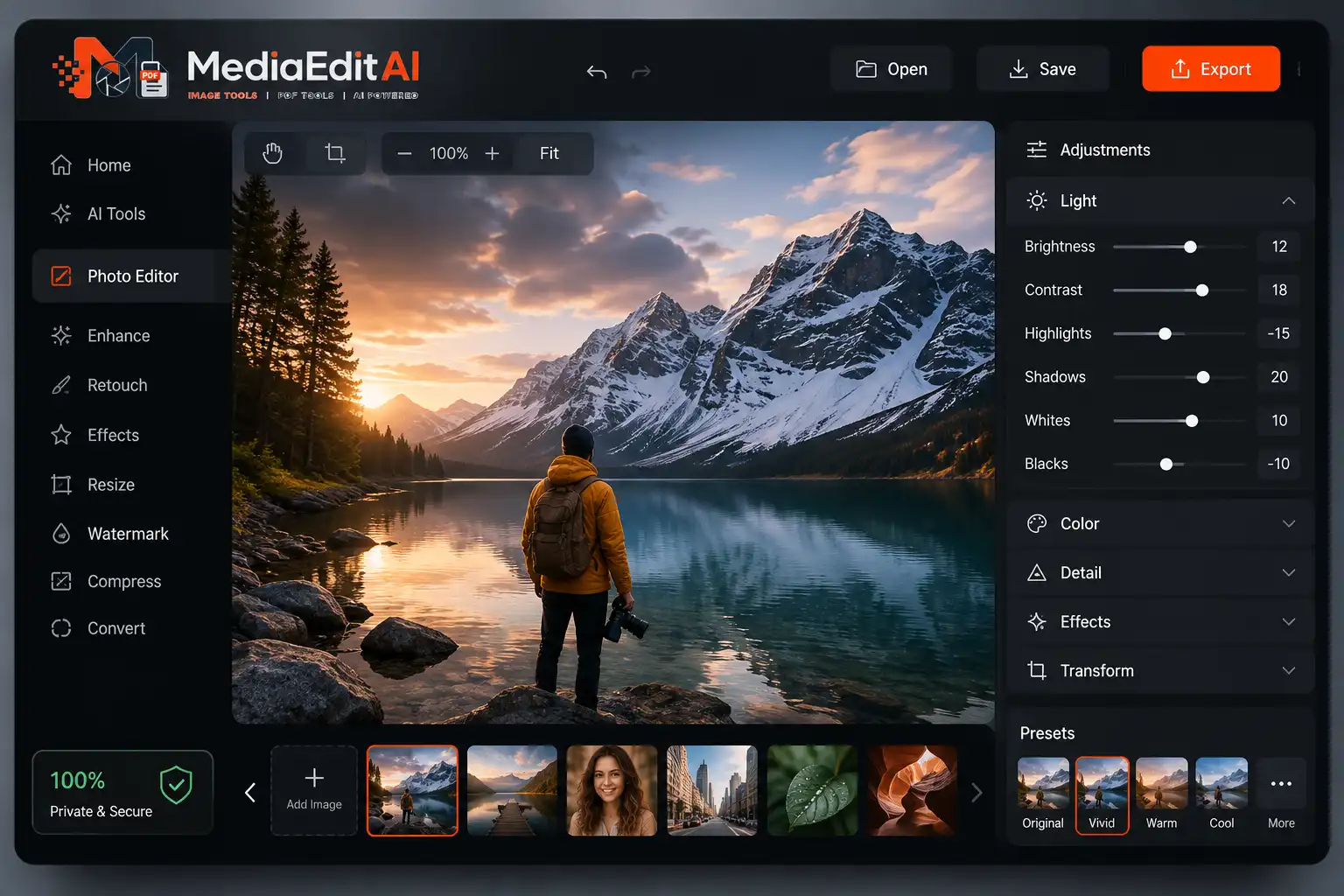
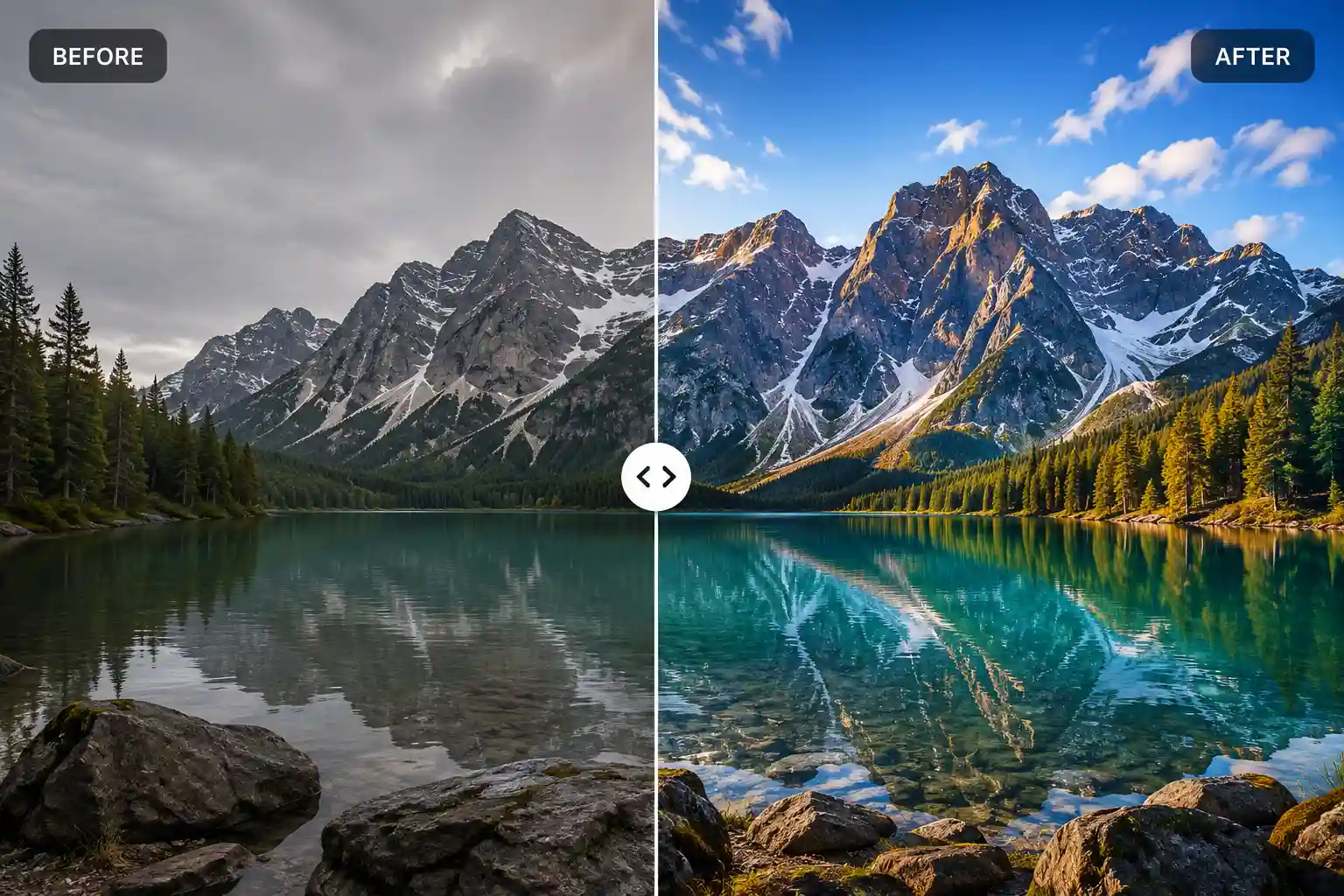
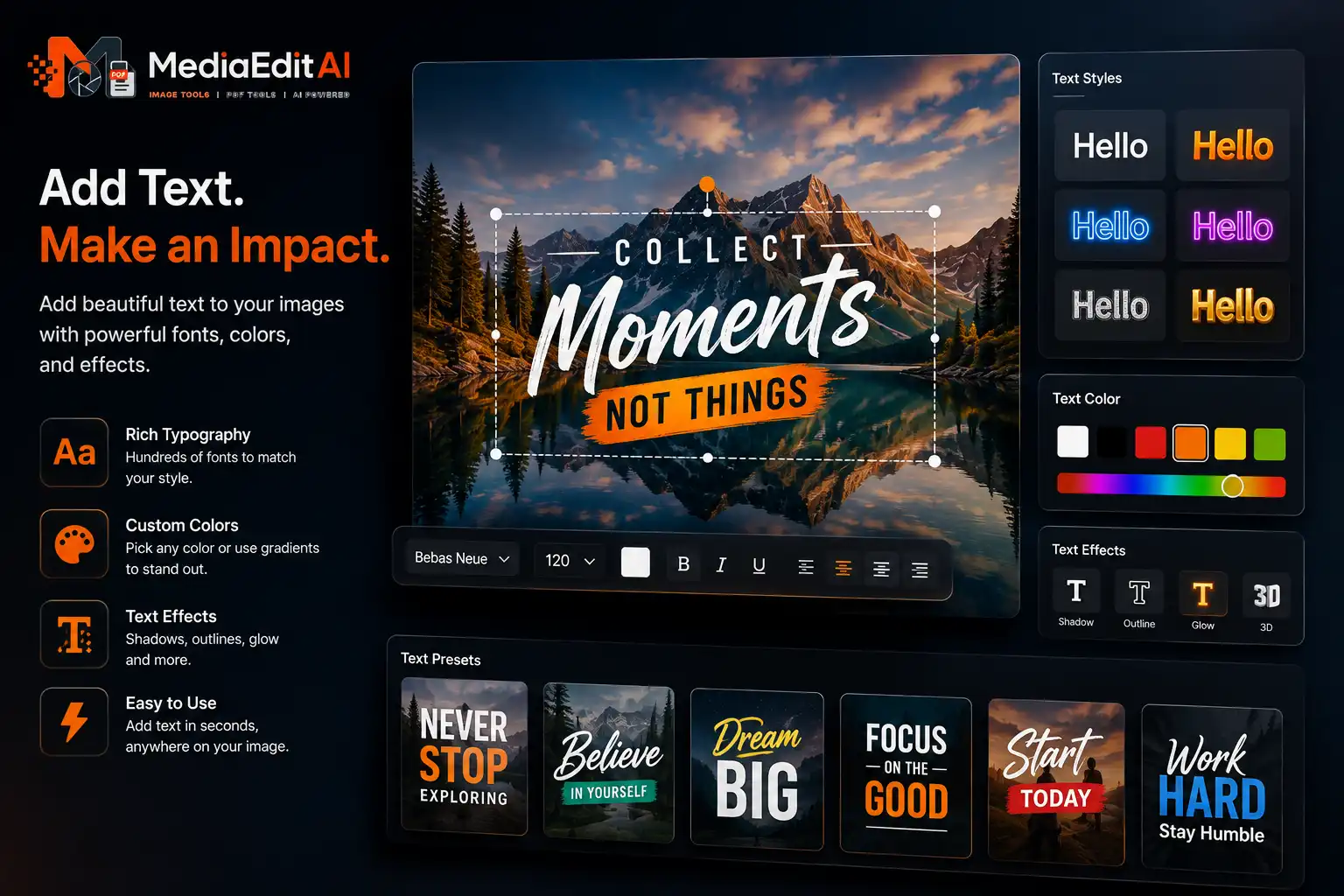
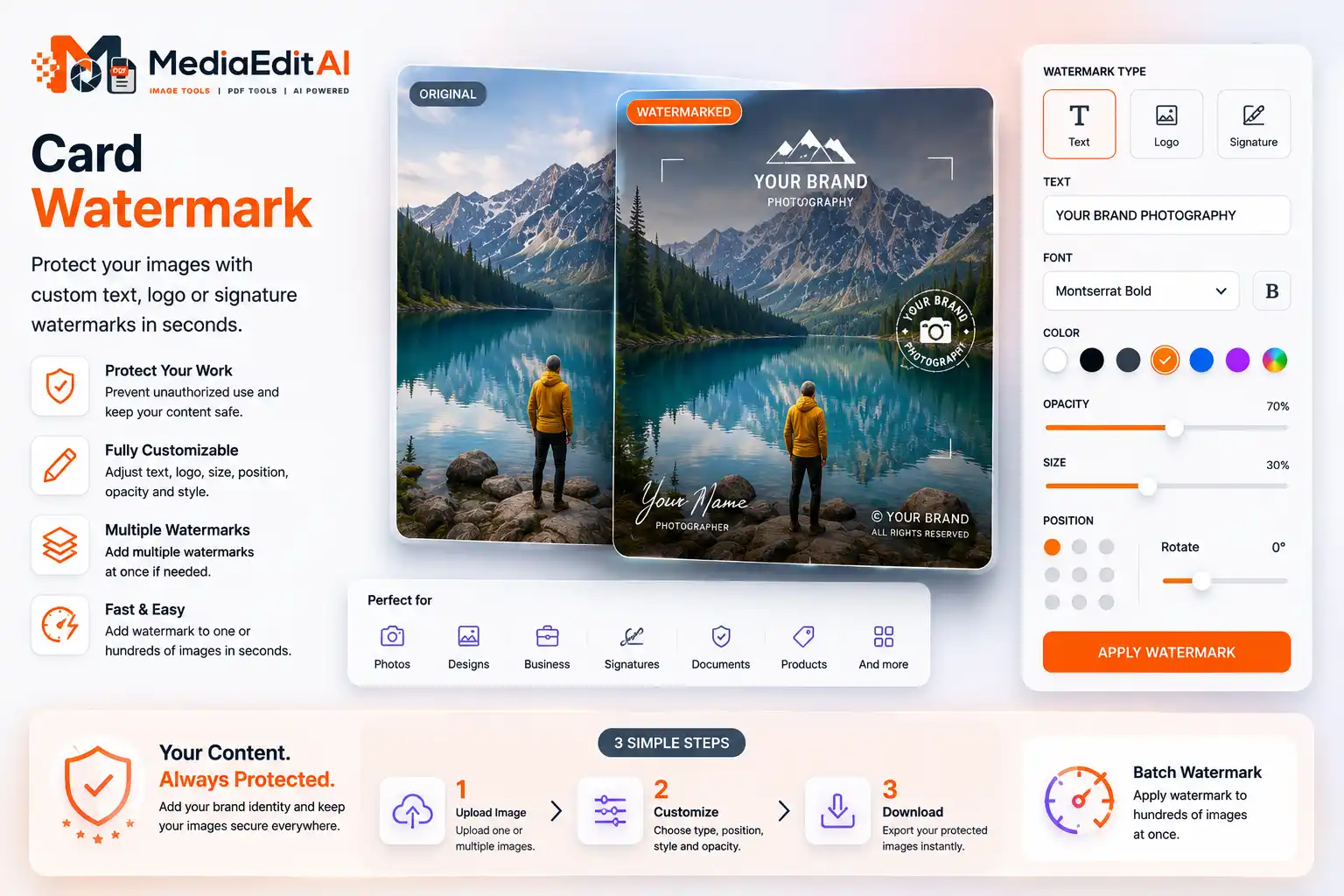
The built-in editor covers crop, brightness and colour, the one-click enhance lifts quality instantly, and the text and logo studio supports Arabic and every other language. You can also add a watermark, crop to any ratio, or remove the background entirely.
The PDF editor adds text, images and signatures, and PDF to Word converts a document while keeping its layout. You can also turn Word into PDF, merge or split pages, compress a PDF, or remove a password you own.
Yes. A QR code generator, a favicon generator, an image to text OCR tool, and a collage maker. See the full set of tools, or read our guides to image formats and social media sizes.
